noun-user-5091496 Login Search

Apple Watch Protection

Apple Watch Stands

Apple Watch Chargers

Apple Watch Band Storage

Apple Watch Band Charms

Free Watch Band Gift Packaging

Option to add a personalised handwritten greeting card

Discreet gift packaging (no invoice included)

Gift Cards

Gifts at Any Price

Bands for Him

Bands for Her

Bundles & Gift Sets

Our Story

Sustainability

Quality Assurance

Our Blog

Reviews

Shipping & Delivery

Returns & Exchanges

Submit Return Online
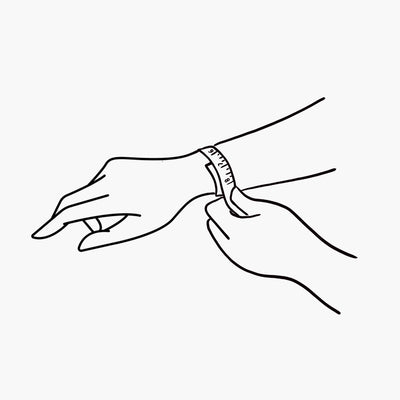
Size Guide
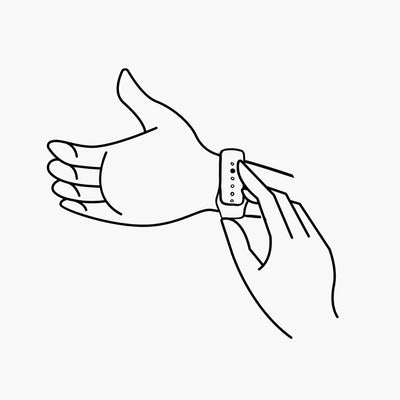
User Guide

Care Instructions

Claw Clips

Earrings

Phone Cases

AirPods Cases

MacBook Cases

Laptop Sleeves

OrderlyEmails - Recommended Products

OrderlyEmails - Recommended Products

OrderlyEmails - Recommended Products

This collection is used by the OrderlyEmails app, to make product recommendations in your notification emails, which automatically update over time.

  • This service is currenty provided for FREE, with any theme purchase.
  • Recommended products shown in your email are automatically updated every 4 hours, to match this collection.
  • By default, your Best-Selling products (that are in stock & not already purchased) will be recommended.
  • You can modify the rules below to change which products are recommended. Products at the top of the list are more likely to be shown.
  • To enable/disable recommendations in your emails, login to the OrderlyEmails app (Shopify Admin -> Apps) and add the "Recommended products" section to an email in the editor.

Note: This collection is "hidden", it is not be visible on your website.

This collection is used by the OrderlyEmails app, to make product recommendations in your notification emails, which automatically update over time.

  • This service is currenty provided for FREE, with any theme purchase.
  • Recommended products shown in your email are automatically updated every 4 hours, to match this collection.
  • By default, your Best-Selling products (that are in stock & not already purchased) will be recommended.
  • You can modify the rules below to change which products are recommended. Products at the top of the list are more likely to be shown.
  • To enable/disable recommendations in your emails, login to the OrderlyEmails app (Shopify Admin -> Apps) and add the "Recommended products" section to an email in the editor.

Note: This collection is "hidden", it is not be visible on your website.

Search